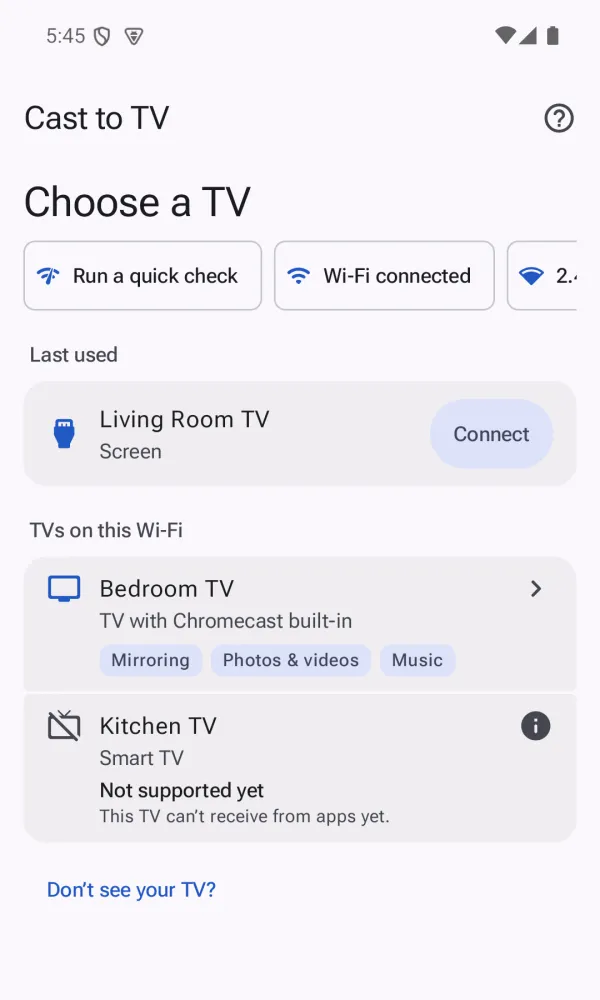
Find your TV, tap Start
- Your TV shows up in a list. Pick it and tap Start.
- No cables and no extra device to set up.
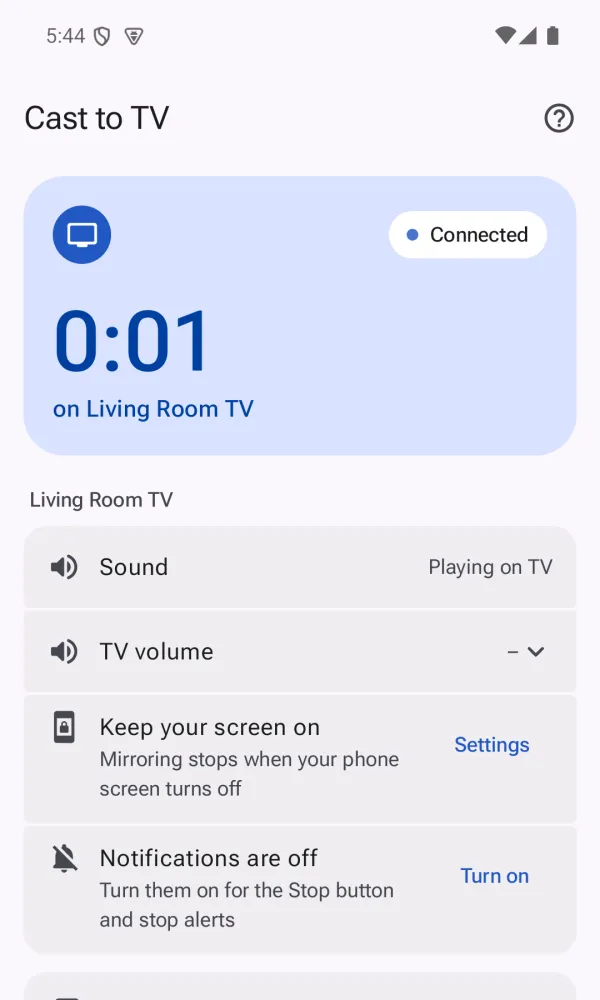
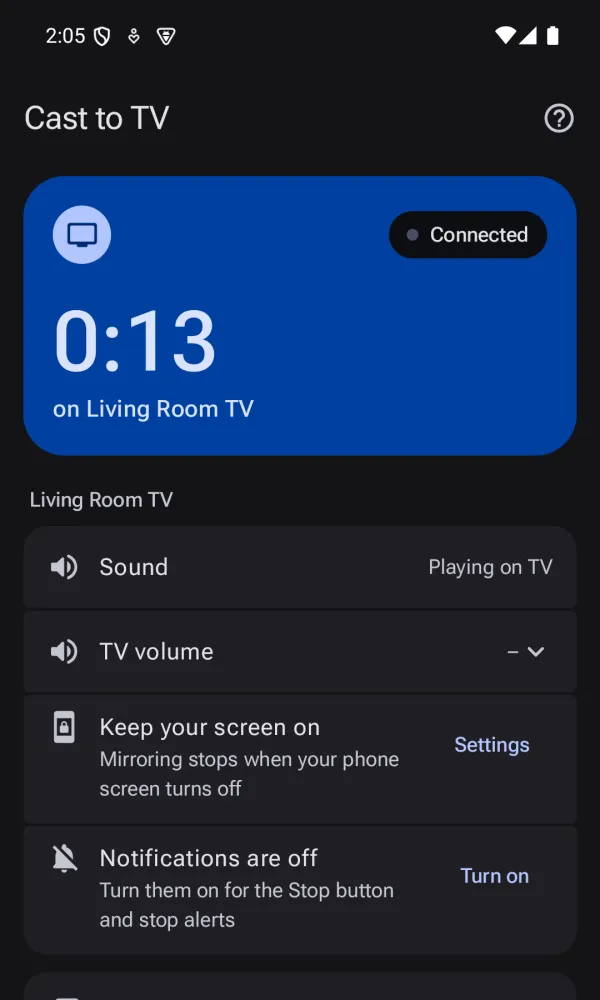
- A big Stop button stays one tap away.
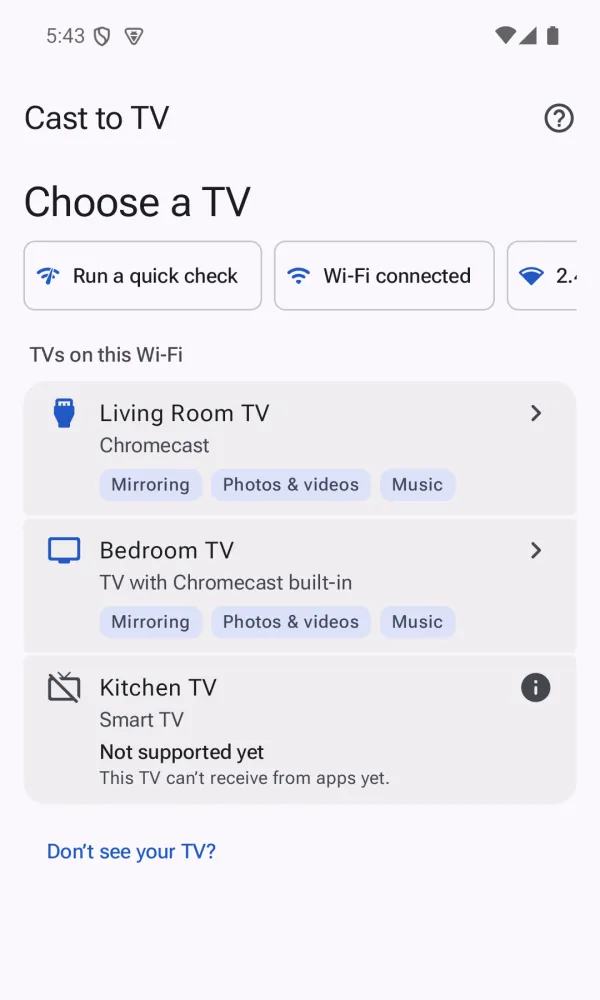
 Cast to TV
Cast to TV mirrors your Android screen to a TV on the same Wi-Fi. Sign in, find your TV, watch.

Every feature, with no time limit. Free shows ads on your phone: a banner outside the mirroring screen, a short video before you start or resume, and in some sessions a full-screen ad after you stop. Never while you mirror or on your TV.
Removes all ads for good. One-time purchase. Pro adds no other features, because everything else is already free.
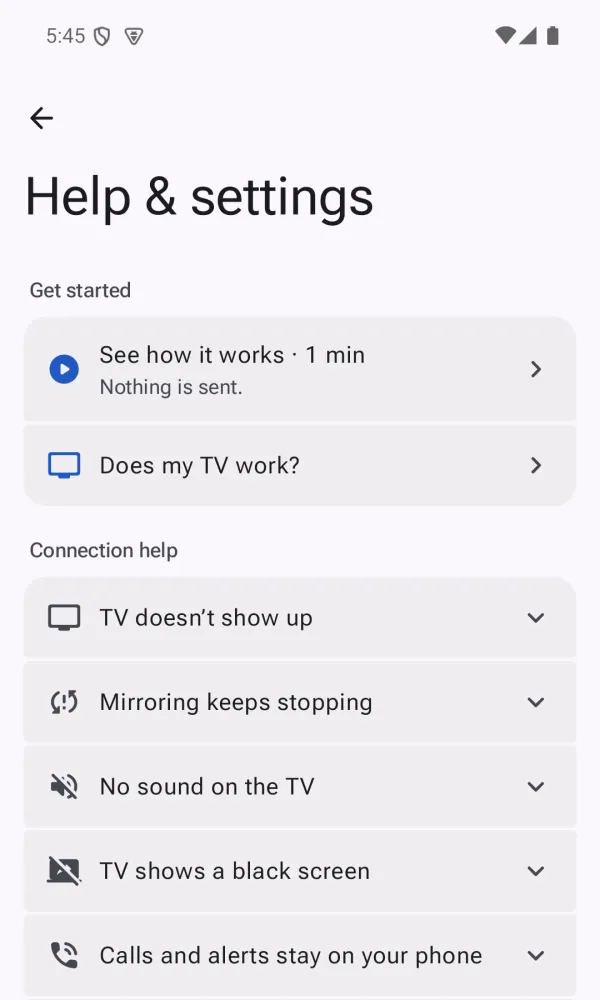
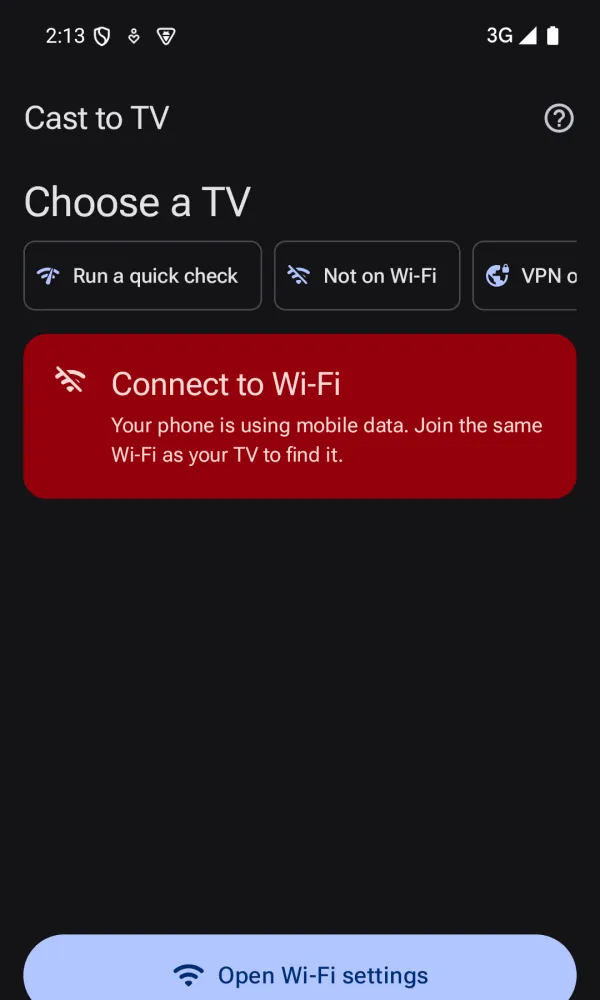
Check that your phone and TV are on the same Wi-Fi network. Guest or isolated networks often block discovery. Turn off any VPN, and restart the TV if it still does not appear. The app's connection helper walks you through each step.
Use a 5 GHz Wi-Fi network if your router has one, and move closer to the router. Speed depends on your router, network and phone, so results vary.
Sound capture needs Android 10 or later, and some apps block it. In that case the picture still mirrors but the app's sound will not. Check that the volume is up on the TV and that sound is allowed in the app.
On some Android versions, locking the screen stops screen capture. This is Android's own behavior. Keep the screen on while you mirror, and tap Start again if it stops.
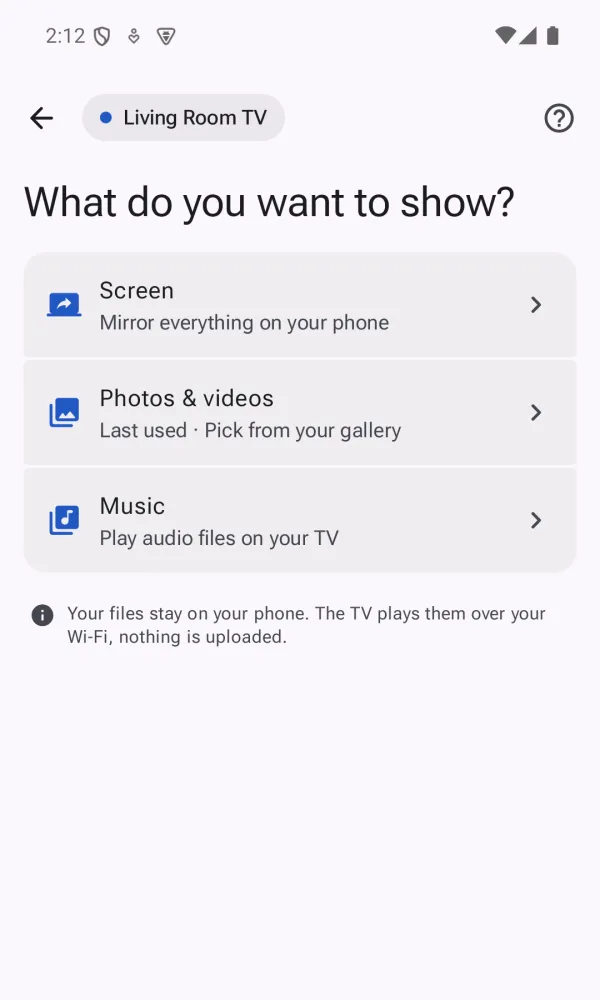
Yes, in the free version, on your phone only. A banner sits at the bottom of screens other than the mirroring screen. Before mirroring or media starts or resumes, you watch a short video ad, which you choose on the start sheet. In some sessions, a full-screen ad shows after you stop mirroring, up to 3 times a day. Ads never show while you mirror, on your TV, or on the purchase screen. Pro removes all ads with a one-time purchase. No subscription.
In the app, open Help & settings, then Account, then Delete account. If you have uninstalled the app, email support@onlyapps.work from the Google address you signed in with. We complete deletion within 30 days. More on the delete-account page.
Tell us your phone model, Android version and TV model. We read every message.
Chromecast built-in, Google Cast and Android TV are trademarks of Google LLC. Cast to TV is an independent app. It is not made by, affiliated with, or endorsed by Google LLC.